Create, don’t just watch
Choose a sketch, experiment with colors and save a finished creation.
Explore coloring
Little Tembo · A guide for guardians
Make space for choosing, imagining and creating—not just watching the next video. And when it’s time for a break, take the adventure onto paper.
Explore coloring pages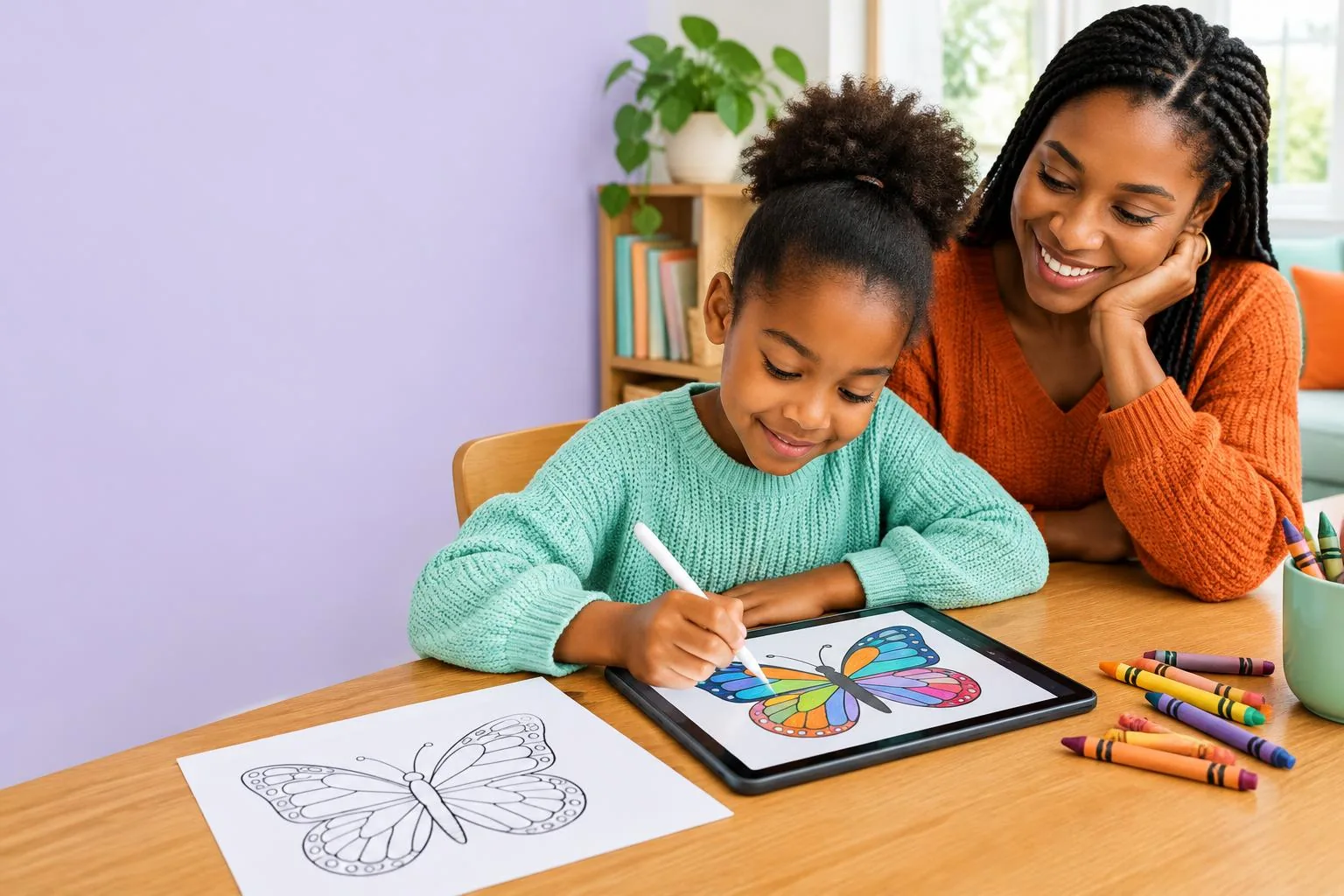
LESS SCROLLING. MORE CREATING.
A child choosing colors, solving a matching puzzle or following a craft guide is doing something different from watching a feed roll past. The question isn’t only “how long?” It’s also “what are they doing, and what is it replacing?”
Creative screen time can be part of a balanced day—not a replacement for sleep, movement, face-to-face time and unstructured play.
Short-form feeds, autoplay and infinite scrolling remove natural stopping points. They can encourage longer watching and make it harder to notice when it’s time to stop. “Doomscrolling” usually means repeatedly scrolling through upsetting content; even a cheerful endless feed can be difficult to put down.
With another clip always ready, children may need a guardian’s help to find a stopping point.
If watching takes over, it can crowd out rest, outdoor play, family conversations and hands-on activities.
A recommended clip isn’t necessarily suitable for your child. Check the content and how your child feels after watching.
Children respond differently. Short videos do not automatically cause harm, and research does not justify claiming they damage every child’s attention. Content, context and the rest of their day matter.
LITTLE TEMBO’S CREATIVE ALTERNATIVE
Choose a sketch, experiment with colors and save a finished creation.
Explore coloringMatch animal pairs, follow a quest or make a paper boat with a short craft guide.
Find an activityAsk about their picture, revisit saved artwork together and enjoy their imagination.
See guardian toolsGuardians manage child profiles and sketch access. You set the family’s routine.
Explore For ParentsPick a favorite sketch together, then print it. Crayons, pencils and paper take over from there—no device needed while they color.
Print Studio lets signed-in guardians arrange accessible illustrations as 1, 2 or 4 per A4 page. Repeat a favorite for siblings or mix a small collection, preview, and print or download a PDF.
Take it onto paperPick one activity together and agree on an endpoint: a finished picture, a round of matching pairs or a completed craft.
Join in when you can. Ask ‘Why those colors?’ or ‘What happens next in your story?’
Have paper and crayons ready for the screen break. Offer a walk, a snack or a hands-on activity rather than another feed.
Keep meals and bedtime routines screen-free. Choose age-appropriate limits that leave room for sleep, movement and play.
Little Tembo doesn’t set device-wide time limits; guardians manage screen-time boundaries.
These ideas draw on family media guidance, not medical advice. If media use is affecting your child’s sleep, wellbeing or everyday life, talk with a qualified health professional.
A little screen creativity. A little paper adventure. Plenty of room for the rest of childhood.